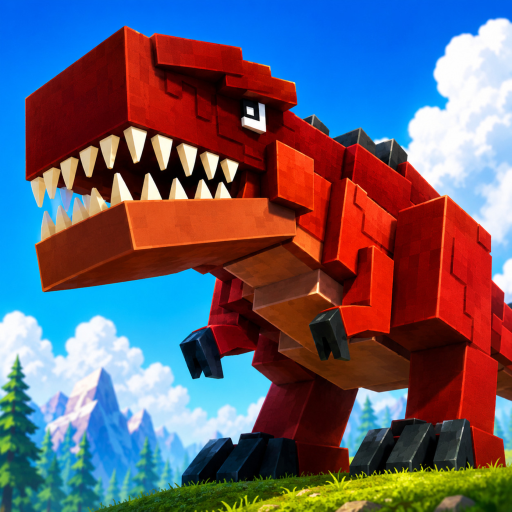
M1 — Bite
Press the primary mouse button to use Bite. This is the only basic attack binding named in the current creator description.
The two controls currently named by the creator are M1 for Bite and R for your dinosaur's Special. Use the live game prompts for any platform-specific buttons not listed here.
Explain only current PvP, Bite, and species-specific Special basics; hold matchups, damage, cooldowns, and tactics until sourced. M1 Bite and R Special above the fold, plus bounded PvP basics and explicit platform and control unknowns.
Quick answer: M1 Bite and R Special are the two creator-listed controls. PvP exists; mobile and controller bindings, matchup data, damage, cooldowns, and tactics are not published.
Press the primary mouse button to use Bite. This is the only basic attack binding named in the current creator description.
Press R to use your current dinosaur's Special. The creator says dinosaurs have unique attacks, but does not publish a complete ability table.
My Dino Life supports PvP, but reliable damage, cooldown, hitbox, and matchup values are not yet available. Learn the visible feedback in the current server.
Use M1 where you can see the animation and range. Do not rely on an unsourced damage number.
Press R and watch what your current species does. A different dinosaur may have a different Special.
After an evolution, confirm the visible prompt and action again before entering PvP.
M1 performs Bite according to the current creator description.
R activates the current dinosaur's Special. The exact effect can differ by dinosaur.
Yes. The creator describes battling other players with unique dinosaur attacks.
A complete official mobile or controller map was not found. Follow the buttons and prompts shown by the current game client.
Put Bite and Special into the verified beginner route.
Learn how food orbs, XP, and evolving connect.
Choose a named route without fake combat stats.